iPhone app · YouTube, TikTok, Instagram & Facebook

Stop copying links.
Tap Share instead.

SenseIT hooks into the iOS share sheet—just tap Share on any video from YouTube, TikTok, Instagram or Facebook. We extract the speech, translate it, and give you a readable summary in seconds.

Works with YouTube, TikTok, Instagram & Facebook — Shorts, Reels & feeds
SenseIT App

What you get

Powerful tools that just work—no manual needed

🧠

AI translation that fits the clip

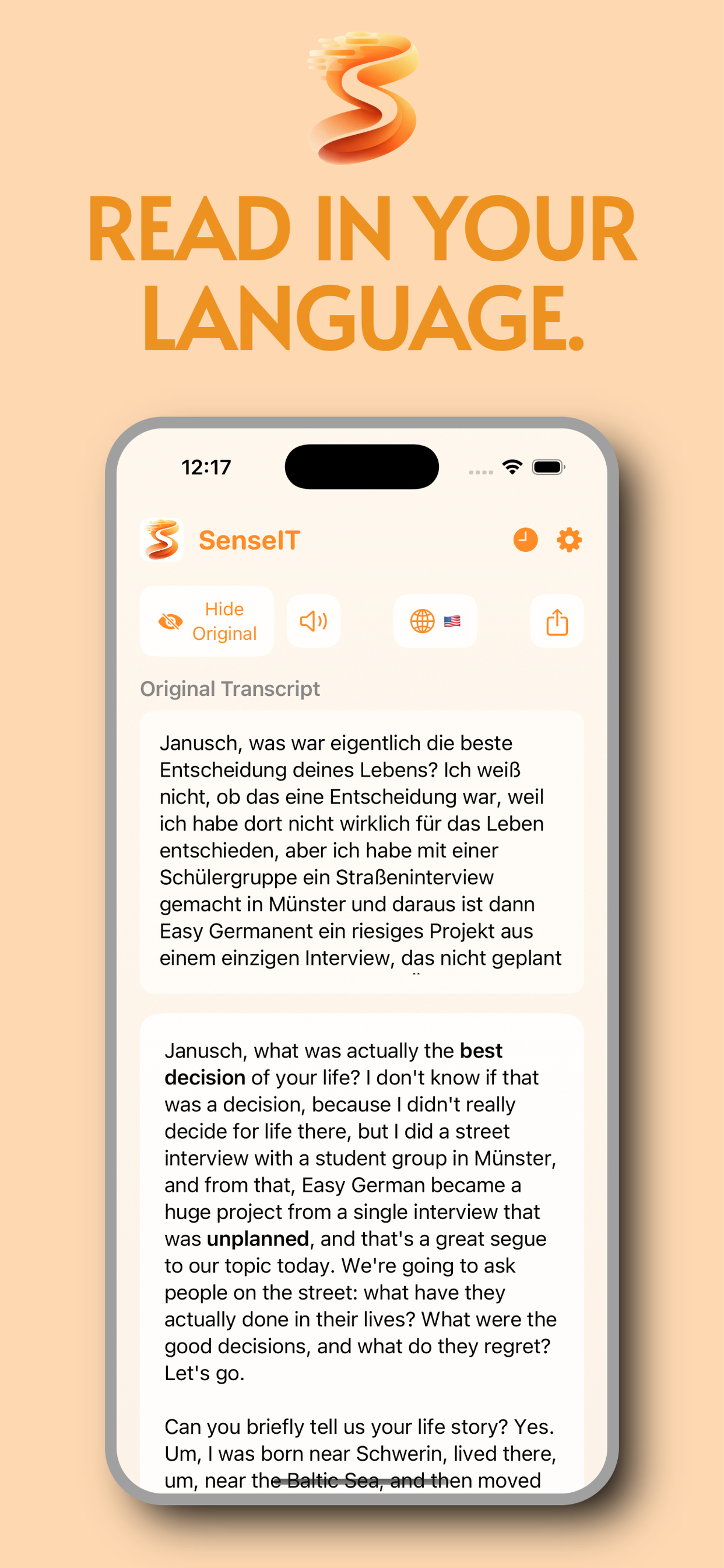
We work from what people actually say in the video, then render it in your chosen language with advanced AI models.

📊

Seven analysis modes

From a tight bullet list to a narrative recap—pick the mode that matches why you pressed play in the first place.

🔊

Listen with text-to-speech

Let the translation play out loud while you cook, walk, or commute.

🌍

33 interface languages

Run the app in the language you're comfortable with. Translate transcripts to any of our 33 supported languages.

📁

History & re-translate

Past clips stay organized. Need the same transcript in another language? Toggle languages without fetching the video again.

💬

AI Chat — ask the video

Ask questions about the video content and get instant AI-powered answers based on the transcript.

📄

Export as PDF or Text

Save your transcript or summary as PDF or plain text. Copy, share, or keep it for later.

SenseIT Screenshot 1
SenseIT Screenshot 2
SenseIT Screenshot 3
SenseIT Screenshot 4
SenseIT Screenshot 5
SenseIT Screenshot 6

Two paths, same outcome

Share when you can; paste when that's easier

1

Share from the video

Use the system Share button while the clip is open. SenseIT opens in the extension, processes, and shows the result there—you can jump to the full app if you want.

2

Or paste in the app

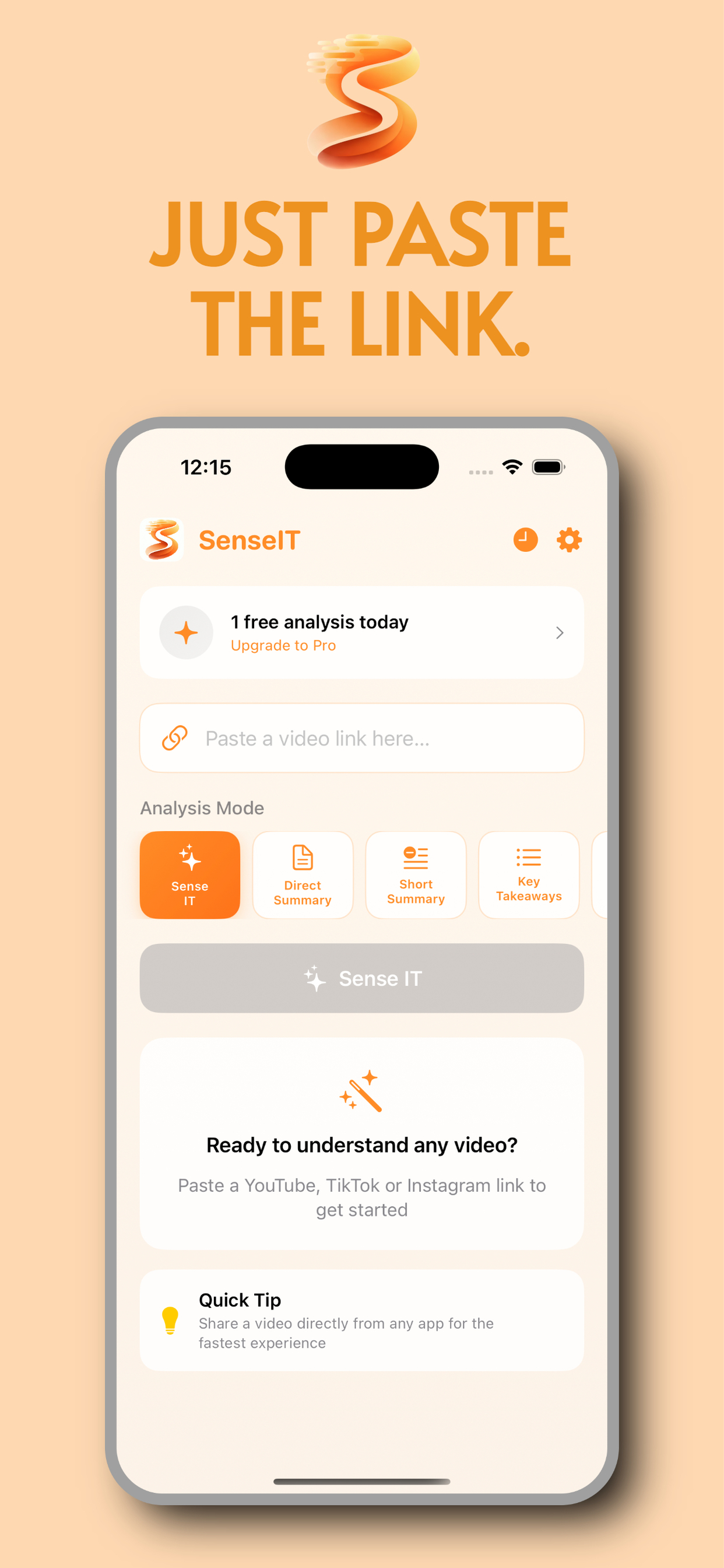
Dropped a link in Messages? Paste it on the home screen. Same pipeline, just starting inside SenseIT.

3

Read, skim, or listen

Switch modes, play text-to-speech, ask AI questions, or export as PDF—everything you need in one place.

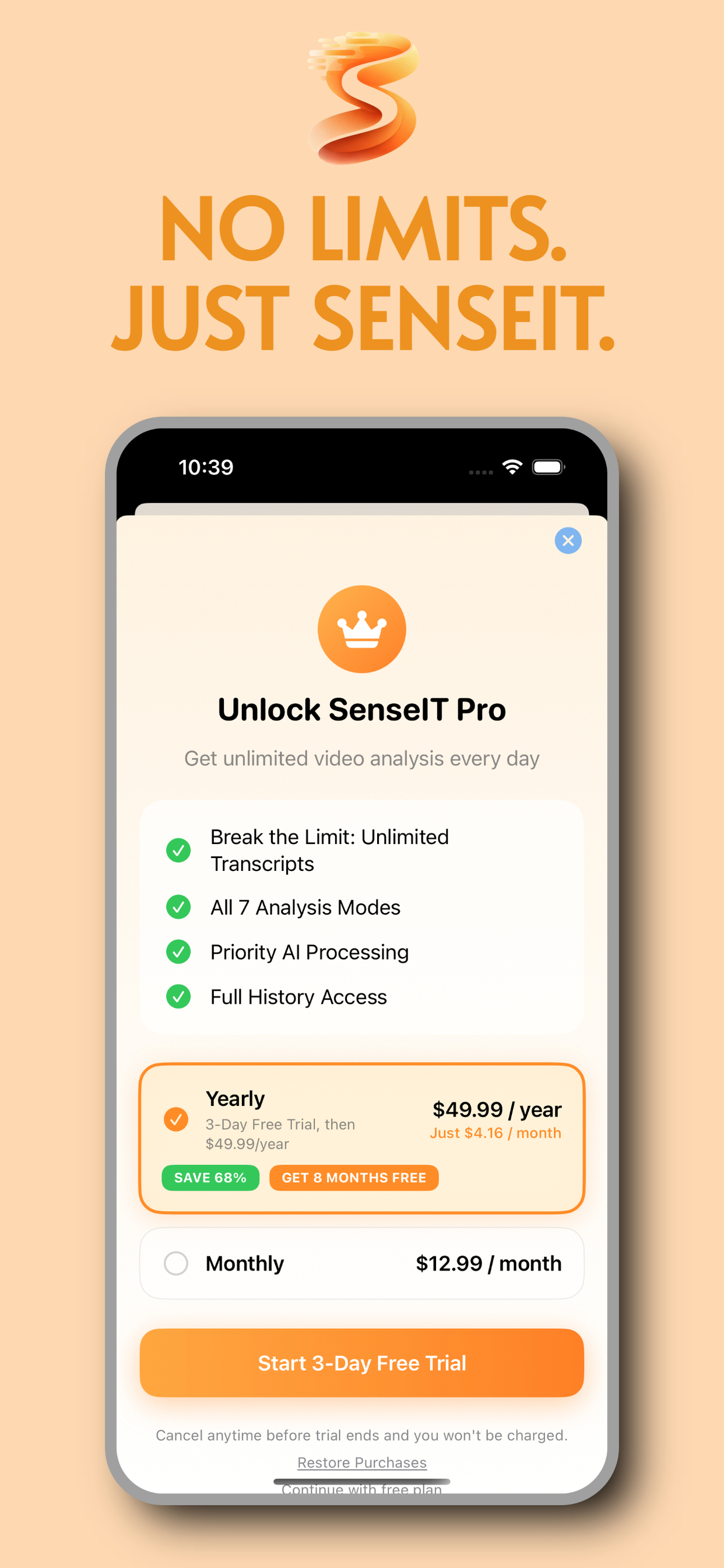
Simple Pricing

Start free. Upgrade when you need more.

Free

$0 forever
  • 1 video per day
  • All analysis modes
  • Share extension
  • 33 languages
Get Started Free

Built around the way people actually watch

Most "video translator" apps assume you enjoy juggling the clipboard. We don't. SenseIT lives where iOS already puts sharing tools: next to AirDrop, Messages, and the other apps you use every day. YouTube, TikTok, Instagram, and Facebook—all covered.

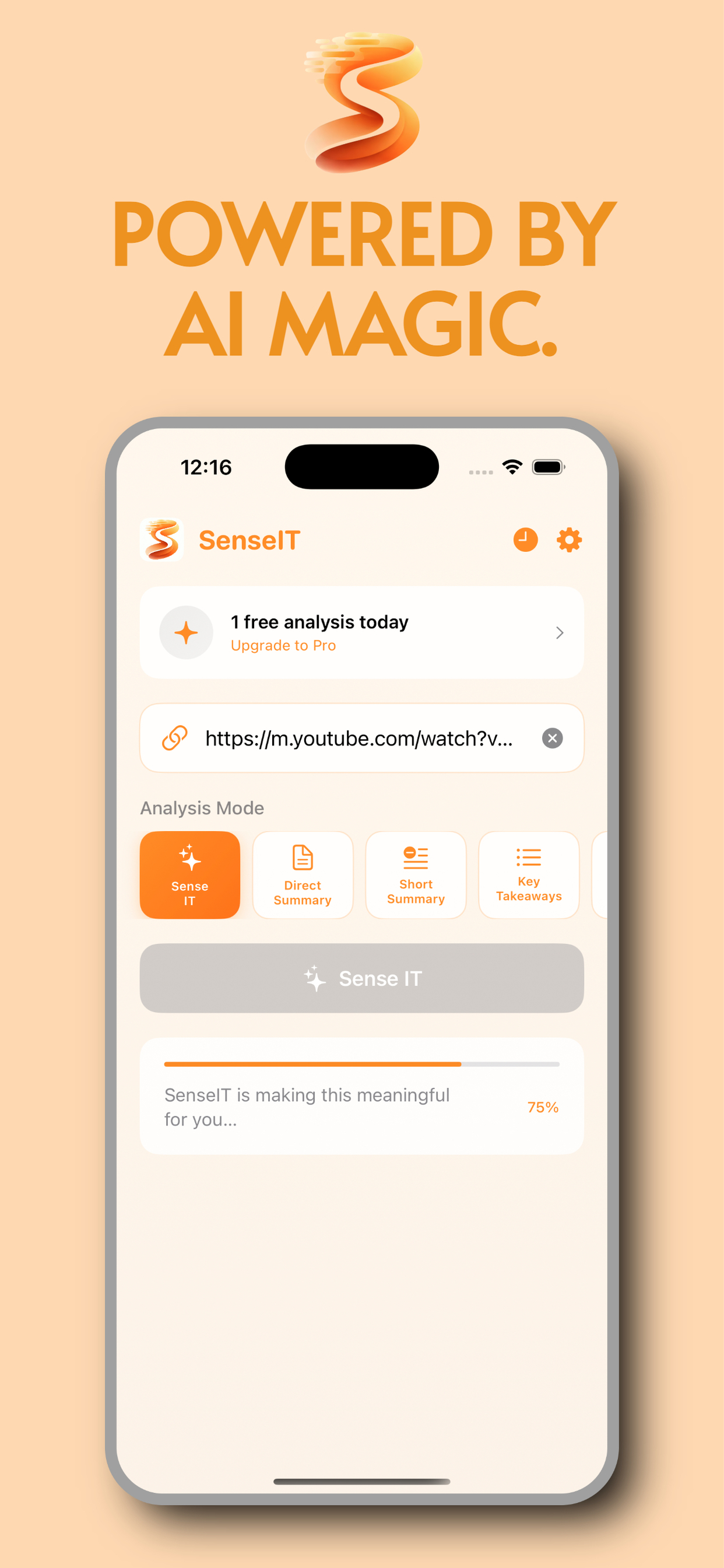
Under the hood we pull the spoken track, clean it up, and run it through modern language models so you get something readable—not a wall of auto-caption gibberish. Switch modes when you need a headline-style recap or a calmer narrative. Ask the AI questions about what was said. Export as PDF when you need to save it.

Free tier keeps a daily limit honest; Pro removes the cap for people who live inside social feeds. Either way, the share sheet remains the front door—because that's the moment you know you need help with a clip.

Try the share shortcut

Install SenseIT, open any supported clip, tap Share—you'll see what we mean.

View on the App Store